
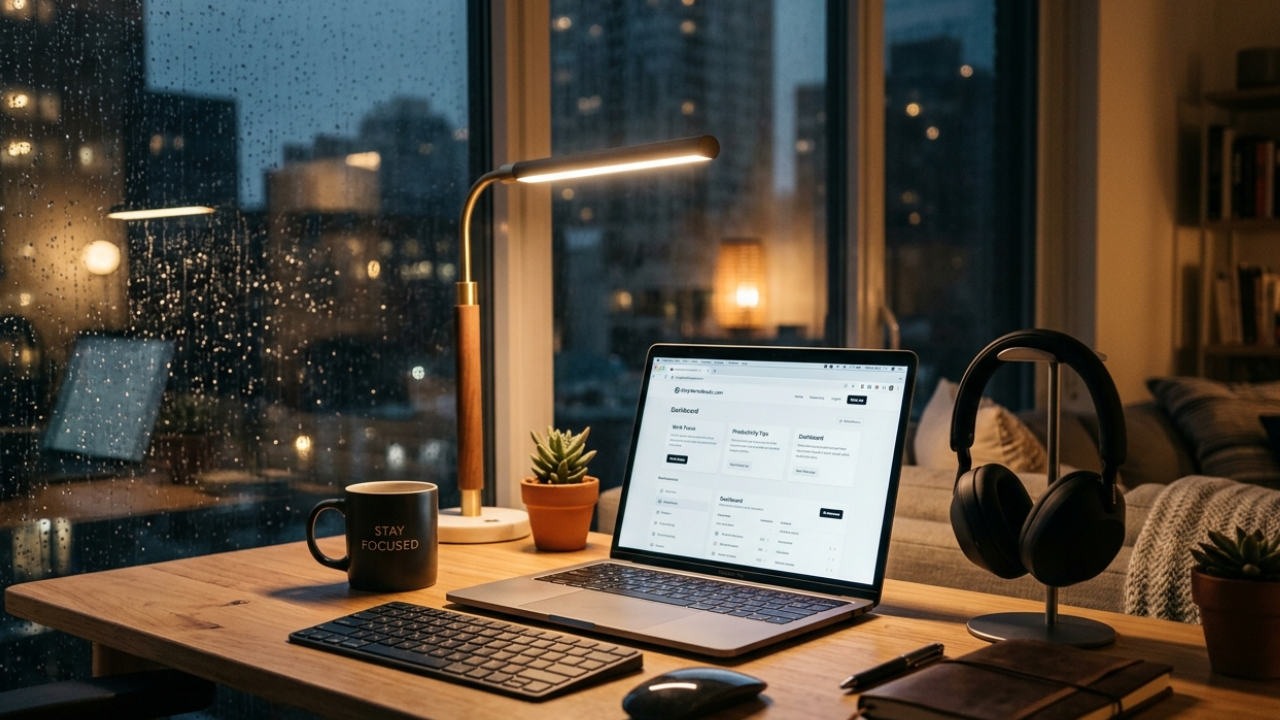
A few months ago, I hit one of those weird work phases where everything felt heavy. I was opening my laptop every morning, staring at the screen for 15 minutes, and somehow still getting nothing done. Not because the work was hard — my brain just felt disconnected from it.
At first, I blamed distractions. Then I blamed my phone. Then caffeine. Then sleep.
Turns out, my problem was simpler: my work environment had become mentally exhausting.
That’s when I stumbled across OnlyWorkMoods.com.
I wasn’t expecting much. Honestly, I thought it would be another “focus tool” with fake productivity promises and fancy animations. But after using it for a couple of weeks while writing articles, editing videos, and handling client tasks, I realized it solved something most productivity apps ignore:
Your mood affects your work more than your task list does.
This article is basically my experience using the platform, what worked, what didn’t, and how someone who works online can actually use it without overcomplicating things.
The Problem I Was Trying to Fix
I work long hours online, and over time I noticed something strange.
Even when I had a clear to-do list, my focus kept dropping. I’d switch tabs constantly, open YouTube without thinking, or keep checking notifications for no reason.
I tried the usual fixes:
- Pomodoro timers
- Browser blockers
- Productivity extensions
- Noise-canceling playlists on Spotify
- “Deep work” YouTube videos
Some helped temporarily, but most felt mechanical.
What I actually needed was an environment that made work feel calmer instead of more intense.
That’s what pushed me toward mood-based work tools.
What Is OnlyWorkMoods.com?
OnlyWorkMoods.com is basically a workspace mood platform designed to create focus-friendly environments while you work.
Instead of throwing complicated productivity systems at you, it focuses on atmosphere.
That might sound small, but after using it consistently, I realized atmosphere changes behavior more than motivation does.
The platform combines things like:
- Ambient sounds
- Focus moods
- Minimal visual environments
- Background productivity vibes
- Calm work sessions
Think of it as a cleaner, less distracting version of those “study with me” setups people use on YouTube — except designed specifically for work focus.
My First Impression Was Surprisingly Good
The first thing I noticed was how clean the interface felt.
No aggressive popups.
No “Upgrade Now” spam everywhere.
No overwhelming dashboard with 40 buttons.
That matters more than people think.
A lot of productivity tools accidentally become distractions themselves.
OnlyWorkMoods felt intentionally quiet.
I opened one of the work moods while writing a blog draft late at night, plugged in my headphones, and within 10 minutes I noticed something:
I stopped switching tabs.
That sounds minor, but for someone who multitasks too much, it’s huge.
The Feature I Ended Up Using Daily
The ambient work environments became my default background while working.
I tested different moods during different tasks:
| Task | Mood That Worked Best |
|---|---|
| Blog writing | Rain + soft keyboard sounds |
| Editing videos | Deep ambient focus |
| Client emails | Cafe-style environment |
| Late-night work | Dark minimalist atmosphere |
| Research sessions | Calm instrumental background |
The interesting part is that certain environments genuinely affected my energy.
For example:
- Cafe-style moods made repetitive tasks feel less boring
- Rain environments reduced mental noise while writing
- Dark themes helped during night sessions because bright interfaces tire my eyes quickly
I didn’t expect small audio and visual changes to matter that much, but they did.
A Mistake I Made Early On
At first, I treated the platform like background entertainment.
Big mistake.
I kept changing moods every 5 minutes trying to find the “perfect” setup.
That actually hurt my concentration.
What worked better was picking one environment and staying with it for an entire work block.
After a few days, my brain started associating certain sounds with focus mode.
That conditioning effect is real.
Now whenever I hear a specific rain ambience, my brain immediately shifts into writing mode.
How I Started Using It With My Existing Workflow
I didn’t replace my normal tools.
I simply added OnlyWorkMoods into my routine.
Here’s the setup that worked best for me:
My Actual Daily Workflow
Morning Research Sessions
- Google Docs open
- Chrome tabs for research
- Soft ambient mood in background
- Phone flipped upside down
This helped me stay calmer while collecting information.
Writing Sessions
I use:
- Google Docs
- Grammarly
- OnlyWorkMoods in another tab
- Full-screen browser mode
The full-screen mode surprisingly helped remove visual clutter.
Night Work
This is where the platform helped the most.
Late-night work sessions usually feel mentally draining because everything becomes too quiet or too distracting.
The darker ambient moods made long editing sessions feel less stressful.
Something Unexpected Happened After a Week
I noticed I was procrastinating less before starting work.
That’s important.
Most people think productivity problems happen during work.
In reality, the hardest part is often starting.
Opening a calm workspace mood created a small mental ritual for me.
Instead of forcing myself to work, I’d just:
- Open the mood
- Put on headphones
- Start with one small task
Usually momentum followed naturally.
Who I Think This Platform Is Actually Good For
After testing it for a while, I don’t think this tool is for everyone.
But it’s genuinely useful for certain types of people.
It Works Well If You:
- Work remotely
- Study for long hours
- Write content regularly
- Edit videos or design projects
- Get mentally overwhelmed by noisy environments
- Struggle with starting tasks
- Prefer calm digital spaces
It May Not Help Much If You:
- Need strict task management systems
- Want detailed analytics
- Prefer aggressive productivity methods
- Like highly interactive dashboards
This is more of a focus atmosphere tool than a hardcore productivity tracker.
That distinction matters.
Real Situations Where It Helped Me
1. Writing Long Articles
This was the biggest improvement.
Normally I’d stop every few paragraphs and drift into social media.
With ambient focus environments running, I stayed in writing flow longer.
Not perfectly.
But noticeably better.
2. Reducing Mental Fatigue
Some work tools make you feel pressured to optimize every second.
OnlyWorkMoods felt more relaxed.
Oddly enough, that helped me work longer without feeling exhausted.
3. Working During Stressful Days
There were days where my focus level was terrible.
Instead of forcing productivity hacks, I used calmer work moods and lowered expectations slightly.
That approach worked better than trying to “motivate” myself aggressively.
Common Mistakes People Might Make
Using Too Many Sounds at Once
I tried layering external music on top of the platform.
Terrible idea.
It became sensory overload fast.
Simple setups work better.
Constantly Switching Environments
Your brain needs consistency to build focus habits.
Changing moods every few minutes kills momentum.
Expecting Instant Productivity
This isn’t magic.
It won’t suddenly turn procrastination into discipline overnight.
What it does do is create a smoother environment where focus becomes easier.
That’s a more realistic expectation.
My Honest Experience After Continued Use
After a few weeks, the biggest benefit wasn’t “higher productivity.”
It was lower resistance.
Work felt less mentally noisy.
That’s a subtle but important difference.
I still had difficult days.
I still procrastinated sometimes.
I still got distracted.
But starting tasks became easier, and staying focused for longer periods felt more natural.
That alone made the platform worth keeping in my workflow.
Tips If You Decide to Try It
Start With One Mood Only
Don’t explore everything immediately.
Pick one environment and test it for 2–3 work sessions.
Use Headphones
The experience is significantly better with headphones.
Laptop speakers don’t create the same immersion.
Pair It With a Simple Work Goal
Instead of:
- “I need to finish everything today”
Try:
- “I’ll focus for the next 30 minutes”
Smaller goals work better with ambient focus systems.
Avoid Opening Social Media During Sessions
This sounds obvious, but mood-based focus breaks instantly when you jump into TikTok or Instagram every few minutes.
Final Thoughts
I’ve tested a lot of productivity tools over the years, and most of them try too hard.
Too many features.
Too many metrics.
Too much pressure.
OnlyWorkMoods.com felt different because it focused on environment instead of forcing productivity systems.
That won’t solve every focus problem, but it can genuinely make work sessions feel calmer and more manageable.
For me, the biggest win wasn’t becoming ultra-productive.
It was making work feel less mentally draining.
And honestly, that’s something a lot of online workers probably need more than another complicated productivity app.
